Introduction

Discover how you can control IoT devices from any ecosystem

The main goal of this booth is to introduce you to Matter, the “open-source, royalty-free smart home connectivity standard.”

As a hacker with 20+ years of experience, my IoT recommendation in the past was to avoid IoT devices unless you build them yourself. There were serious security, privacy, and/or stability issues with IoT devices in the past. But finally, there is Matter worth considering. Control your home IoT devices in an open, secure, private, cross-platform way, or even build your own IoT!
[Read more]

Home Assistant setup

Please don’t forget to remove the device after you finish the setup and playing with the LED! Pretty please :)

Step-by-step guide

  1. In case you are not yet connected, connect to my Wi-Fi network - scan the Wi-Fi QR code, or use SSID: Matter_Raspi_LED, password: CUJO.AI!

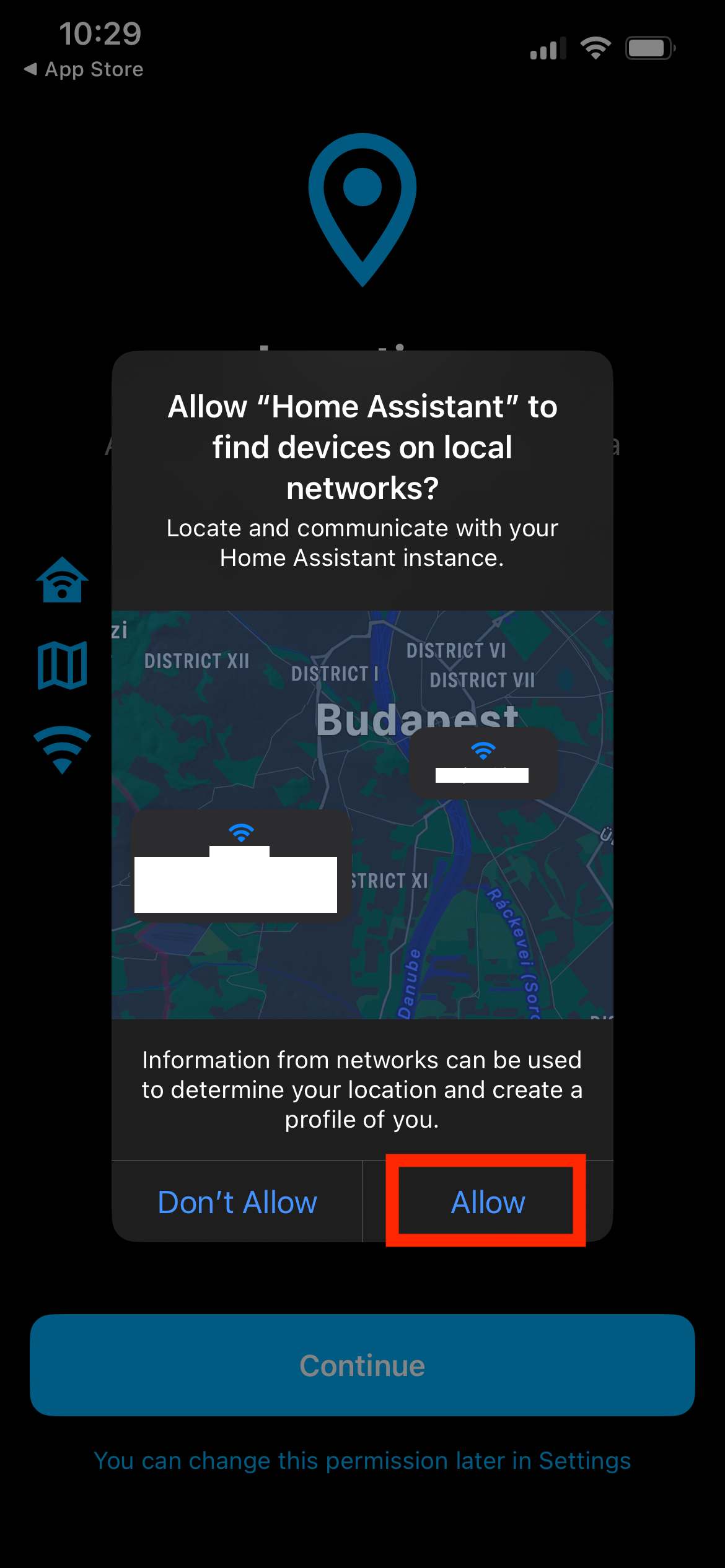
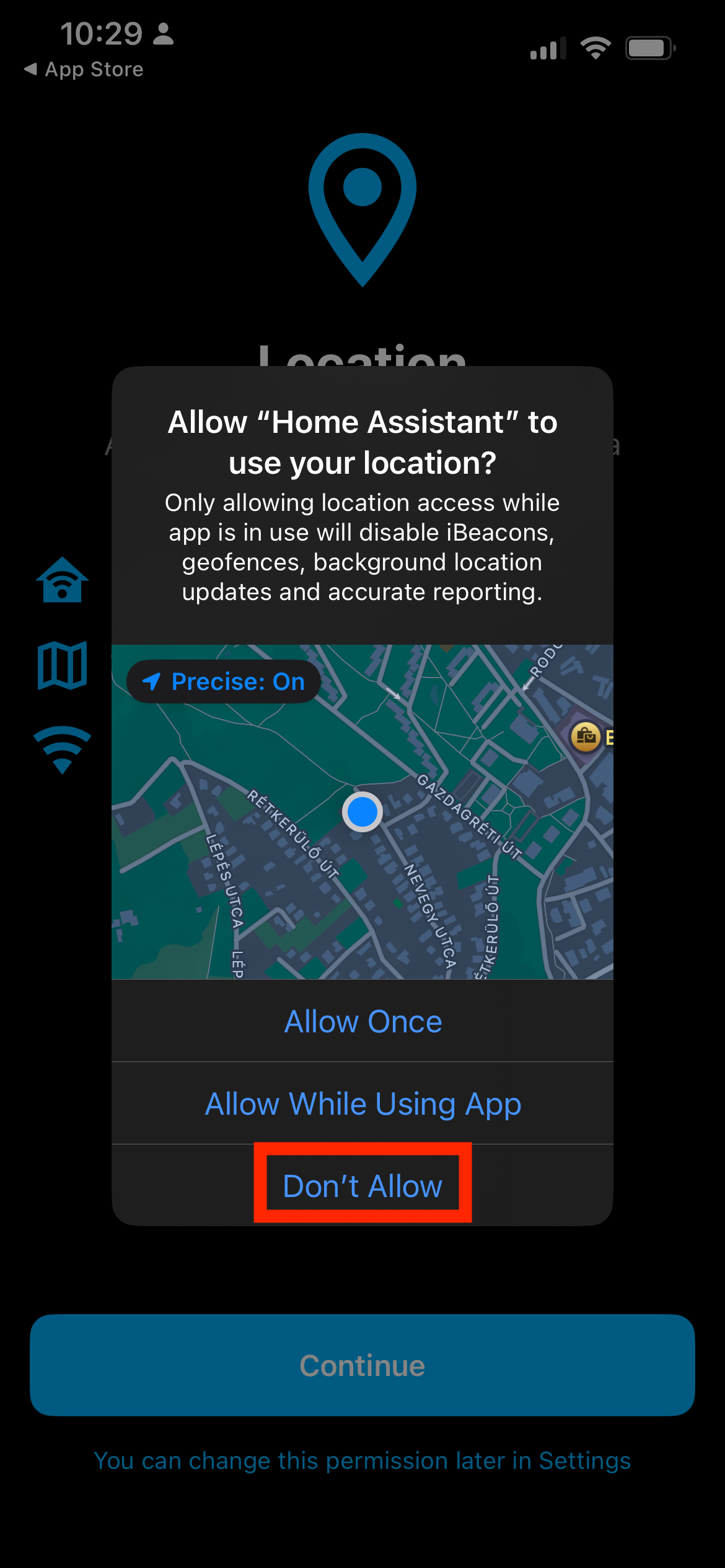
  2. Download and install the Home Assistant mobile app. Available for Android and iOS. The following guide uses Home Assistant on iOS, but Android setup is almost the same. Mobile app locations . Start the app. start Please enable to find local devices local devices We are not using location services now; feel free to deny this permission. location
[Read more]

macOS setup

Please don’t forget to remove the device after you finish the setup and playing with the LED! Pretty please :)

Step-by-step guide

  1. In case you are not yet connected, connect to my Wi-Fi network - scan the Wi-Fi QR code, or use SSID: Matter_Raspi_LED password: CUJO.AI!

  2. Use brew to install chip-tool - compatible with M / Silicon and Intel.

brew install Z6543/chip-tool/chip-tool

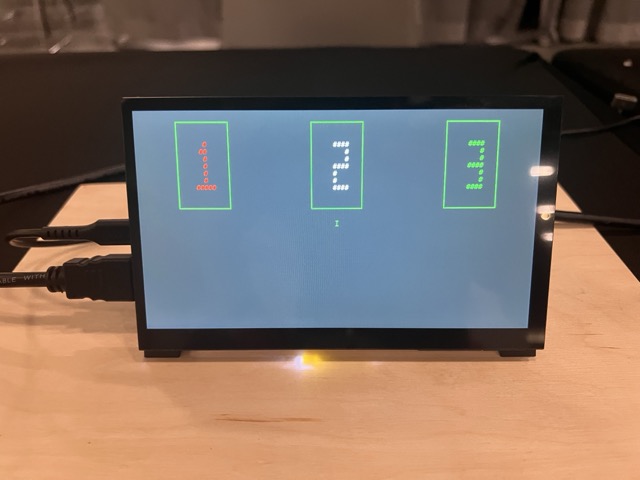
  1. Pick a station number currently not used by anyone else. Touch the chosen station number on the touchscreen.

choose station

[Read more]

Node.js setup

In the unfortunate case where you don’t have Android/iOS/Linux/macOS with you, all is not lost due to Matter.js - powered by Typescript and Node.js. Yes, Node.js even supports AIX. And Windows, but I am sure AIX is more relevant at this conference.

Step-by-step guide

  1. In case you are not yet connected, connect to my Wi-Fi network - scan the Wi-Fi QR code, or use SSID: Matter_Raspi_LED password: CUJO.AI!

2: Install Node.js on your device, if you don’t have it yet.

[Read more]

Python setup

Python setup

Please note: this setup is not recommended for this workshop. You have to download a ton of data, compile Python files for yourself. Things might break. You have been warned. Only Linux and macOS is supported.

Step-by-step guide

  1. In case you are not yet connected, connect to my Wi-Fi network - scan the Wi-Fi QR code, or use SSID: Matter_Raspi_LED password: CUJO.AI!

  2. Build chip-repl . chip-repl is the official Python tool to commission/control Matter devices.

[Read more]

Ubuntu setup

Please don’t forget to remove the device after you finish the setup and playing with the LED! Pretty please :) Probably most parts of this guide work with your distro if “snap” is available. Only tested with Ubuntu.

Step-by-step guide

  1. In case you are not yet connected, connect to my Wi-Fi network - scan the Wi-Fi QR code, or use SSID: Matter_Raspi_LED password: CUJO.AI!

Warning: If Ubuntu is in a VM, use bridged networking!

[Read more]

Google Home setup

Please don’t forget to remove the device after you finish the setup and playing with the LED! Pretty please :)

Step-by-step guide

  1. Share your Google e-mail address (the one used with your Android device) with our lovely assistant, so he can invite you to his Google Home. Best is to email your email address to him using matteresv@gmail.com as the recipient and Subject: Matter. If you are concerned about this step, I recommend reading Why E-mail? for more details.

Or if you don’t want to go down this route, either choose Home Assistant option, or use the dev version Google Home Sample Apps for Matter . This last option is not detailed in this guide, but it is quite similar and easy. This app is not signed, so you might enable unsigned APKs from the Android developer options.

[Read more]

Apple Home setup

Please don’t forget to remove the device after you finish the setup and playing with the LED! Pretty please :)

Step-by-step guide

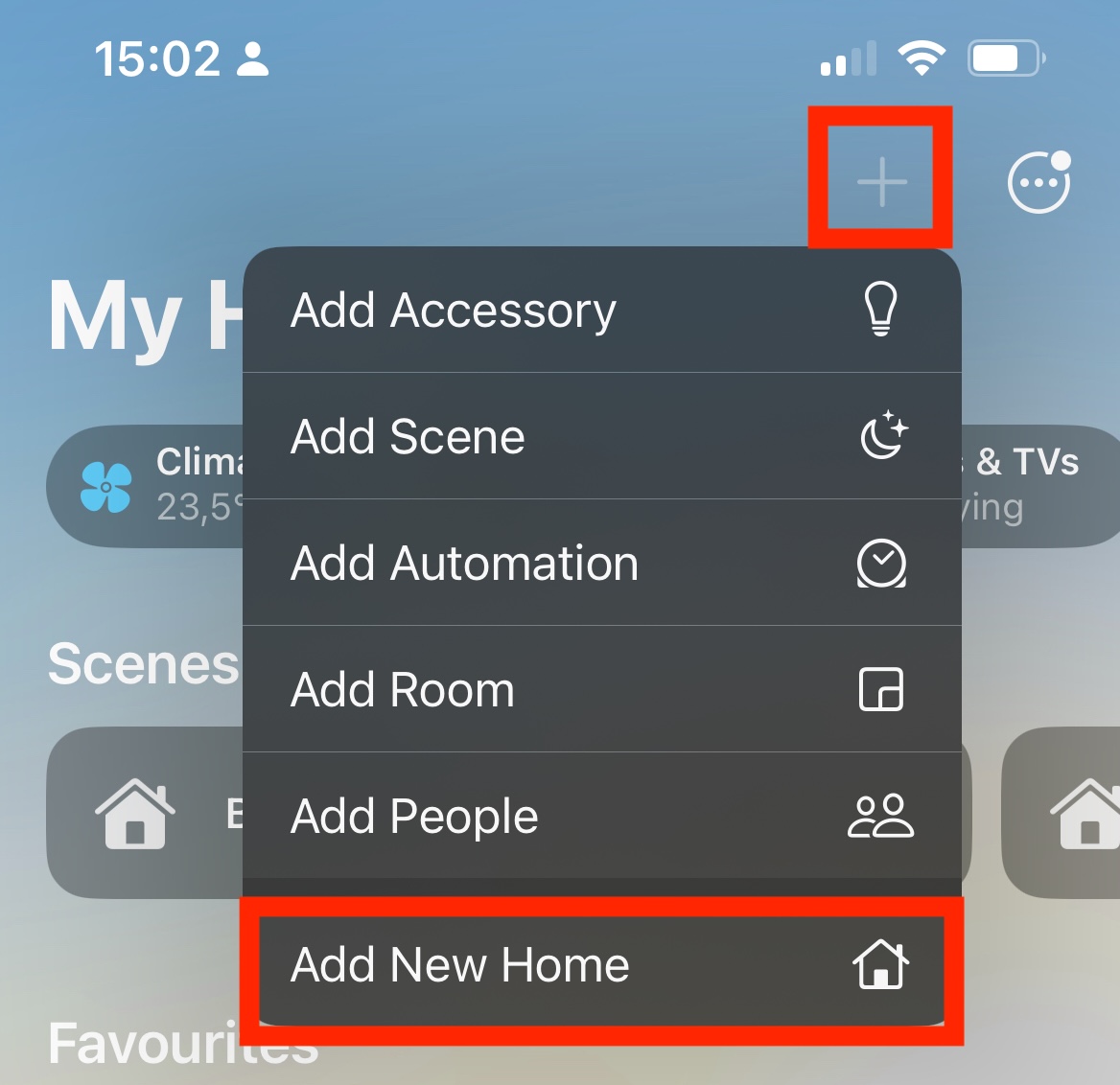
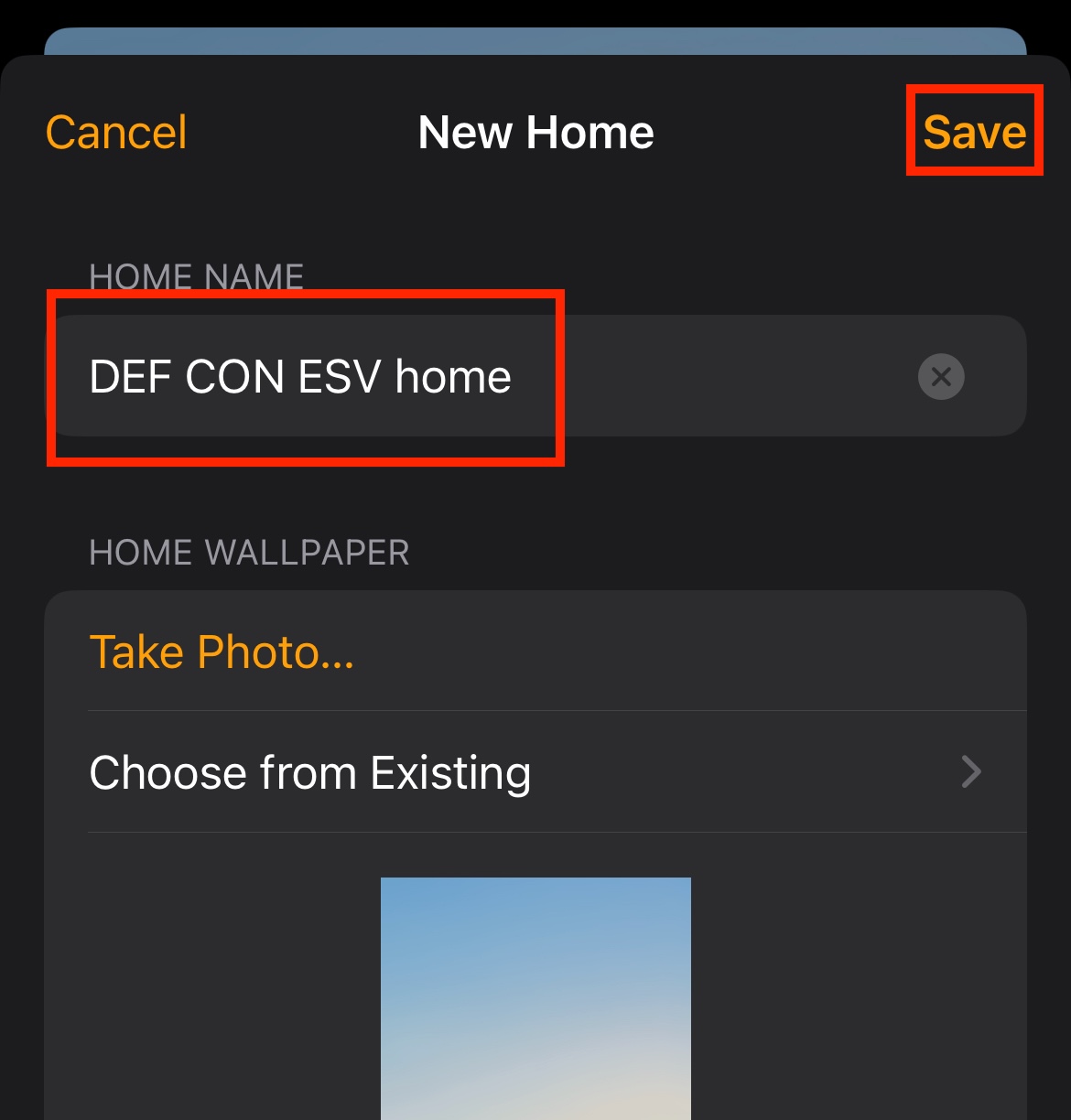
  1. In case you have >= iOS 18, open the Apple Home app on your iOS device. Create a new home. The name of the new home does not matter. Create new home Name new home

  2. In case you are not yet connected, connect to my Wi-Fi network - scan the Wi-Fi QR code, or use SSID: Matter_Raspi_LED, password: CUJO.AI!

[Read more]

Challenges

Challenges

You can find all the information for completing the challenges on the website.

  1. Toggle the LED from one ecosystem

  2. Make your childhood dream come true by remotely controlling the IoT train from any device! Find out how to reset and control the Matter train IoT device! train

  3. Toggle the LED from multiple ecosystems

  4. Toggle the LED from multiple ecosystems without resetting the LED (a.k.a pairing)

  5. Remotely toggle the LED from the cloud (Apple / Google)

[Read more]

Matter train “track”

Make your childhood dream come true, remote control the IoT train from any device! You need the following to complete the Matter IoTrain “track”:

  1. Factory reset “the train” + put into commission mode.
  2. Find the secret onboarding information.

Please do not touch the train, the tracks, or the microcontroller. They are literally held together by duct tape.

How do I factory reset the device + put it into commission mode?

This page will list questions—see below. Write down the answers, concatenating the first letters of the answers. Make it lowercase. Use it like https://hackmatter4.fun/posts/ ab12cd23ef to view the solution page.

[Read more]